Discover how popcam works for you
Find out how to setup, configure and pack-up popcam. Learn how to integrate popcam into events of all kinds!
How it works
Setup
- 1Popcam ships to you*It travels to your event, anywhere in the country, in one rolling case.
- 2Roll it in and open it upWheel the case to your spot, lay it down and open the lid.
- 3Remove the stand and expand itLift the stand out of the case, spread the legs and raise the post all the way. No tools, no extra parts.
- 4Put popcam on the standLift popcam out of its foam and slide it down onto the post.
- 5Wrap the cord and plug it inUnwind the cord from popcam’s back, wrap it snug round the stand for a clean look, and plug it into any outlet. No WiFi required!
- 6Scan your SHOOTcodeTap to start and hold your SHOOTcode up to the camera. Popcam loads your event, your logo and your button colors.
- 7Ready to use: self-service, on demandGuests walk up and get their photos, all event long.
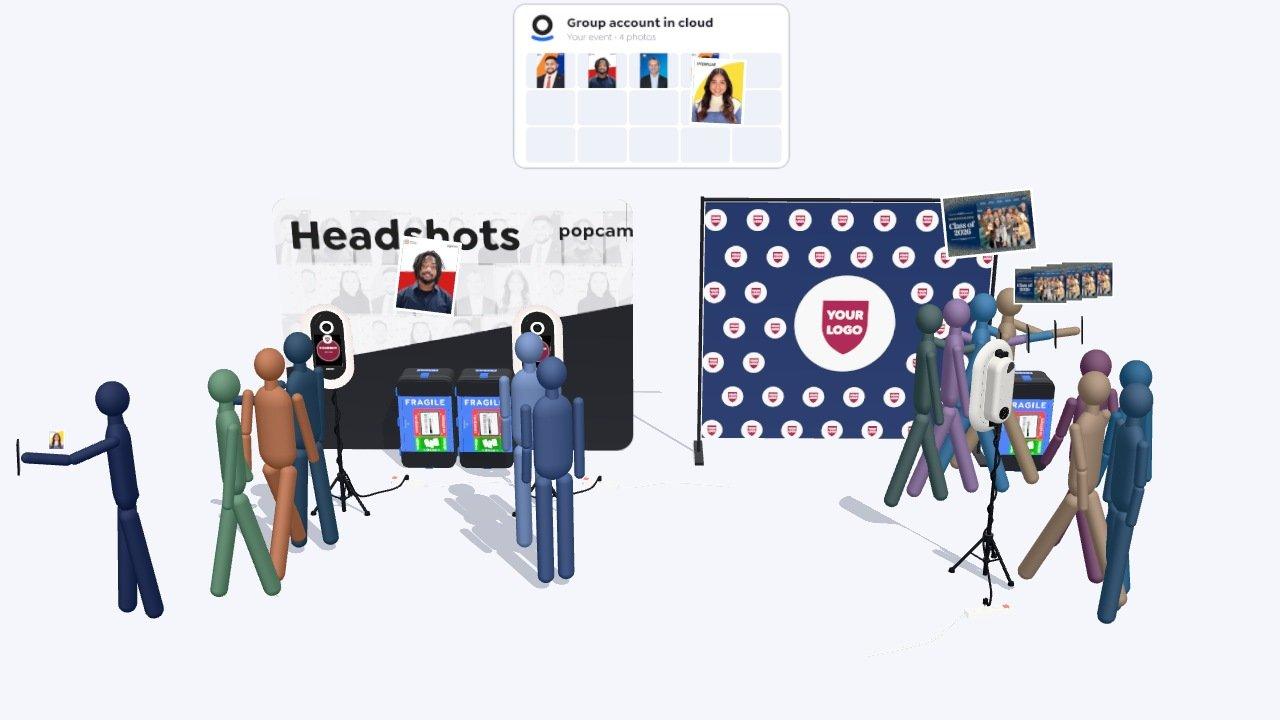
- 8Add popcams to scale throughputBusy event? Each extra popcam sets up the same way and splits the line. Set one to group photos and whole groups step up together.
Teardown
- 1Unplug and unwind the cordTeardown is setup in reverse: unplug popcam and unwind the cord from the stand.
- 2Wrap the cord on popcamWith popcam still on the stand, wind the cord lengthwise round its top and bottom cord holders.
- 3Pack popcamLift popcam off the post and lay it in its foam.
- 4Collapse the stand and pack itLower the post, fold the legs and lay the stand along the front by the latches.
- 5Swap the shipping labelFrom inside the lid, slide the old label out of the window, tear it up, and slide in the return label.
- 6Leave it for pickup*Close it up and leave it at the front desk, the mail room or an agreed spot.
*Not every event ships by carrier: how popcam arrives and leaves can vary.
LinkedIn-ready in 60 seconds
The world’s most advanced portable kiosk, delivering headshots and group photos, instantly - all on a secure, private platform.
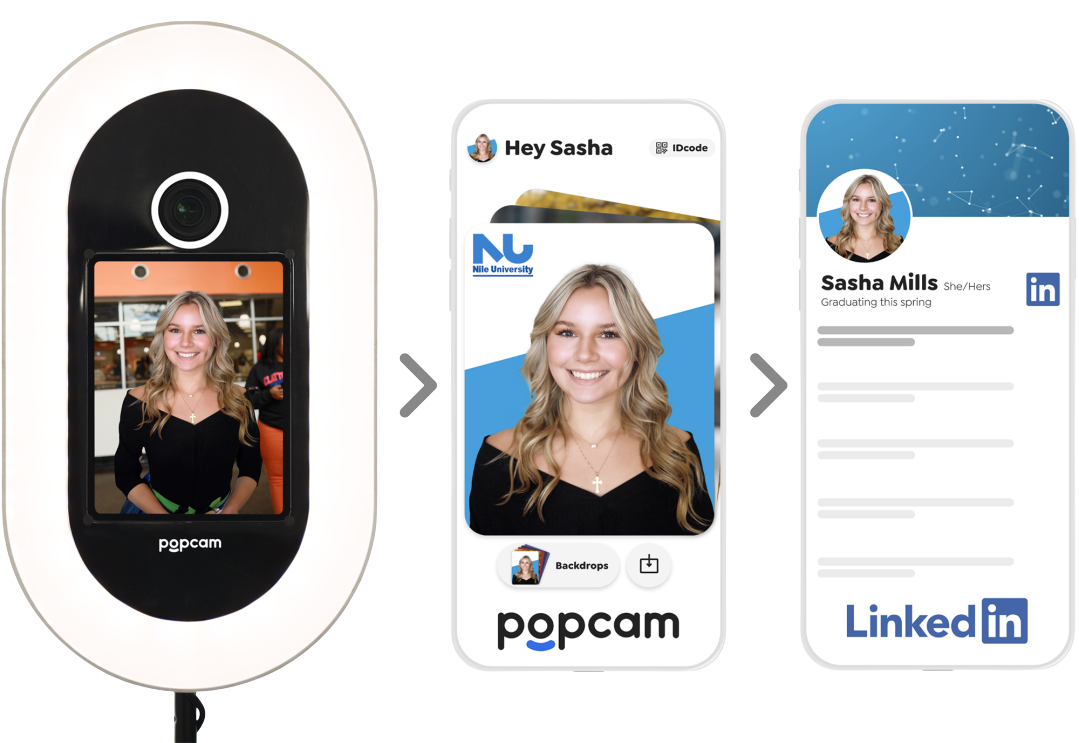
Take your photos
Step in front of a popcam kiosk or use the remote capture feature.
Download from app
Check your email and download your photos from the web app
Ready to use
Update your photo on LinkedIn, email signatures, and more!
Engineered for portability
Popcam’s patent-pending design ensures effortless setup in any location - just choose your spot, plug it in, and start. No WiFi required!
Fully brandable
Tastefully configure group and/or sponsor branding through the entire experience, with data-backed results.
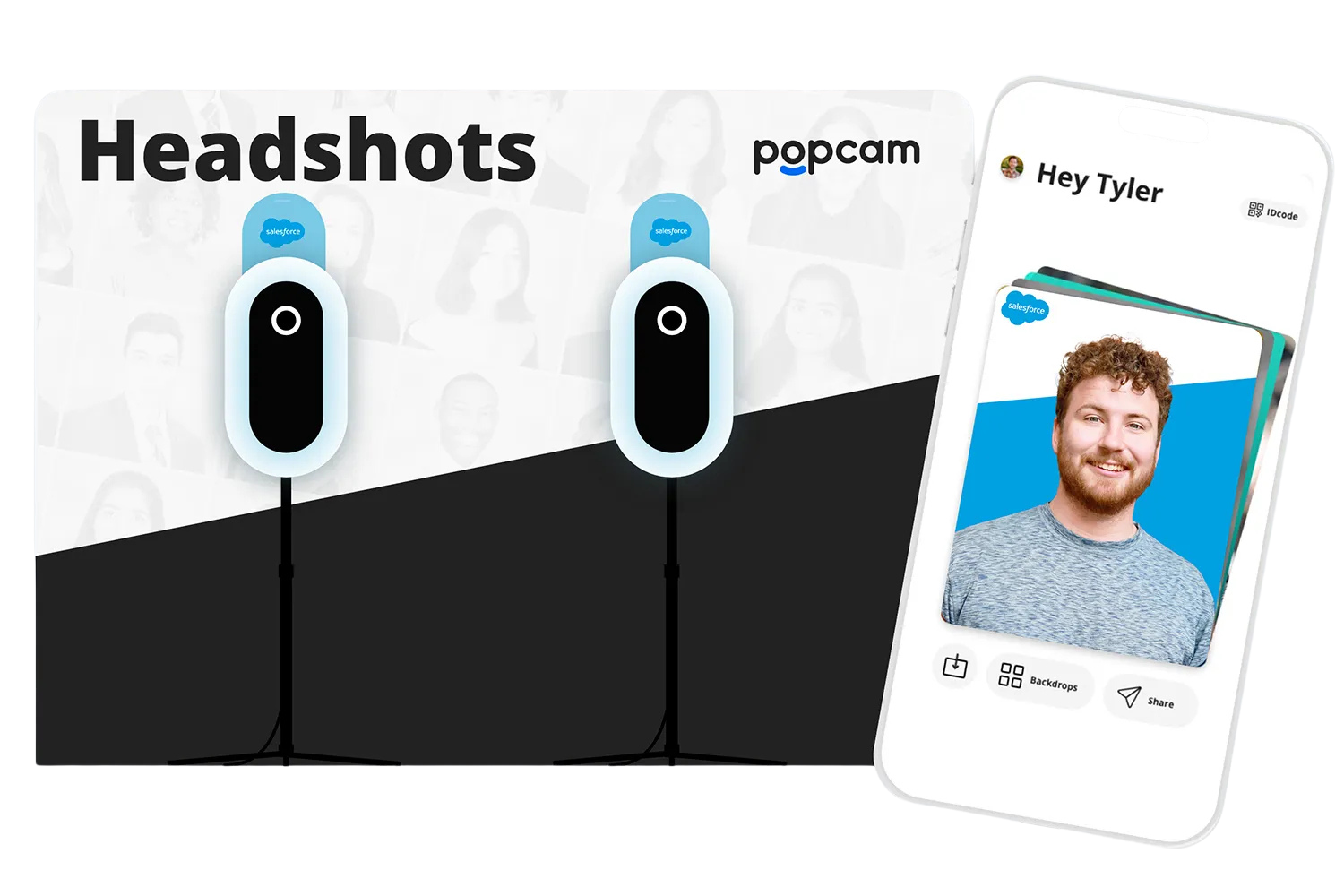

Popcam scales with you!
Choose the perfect setup for your event

Employee & Intern Headshots
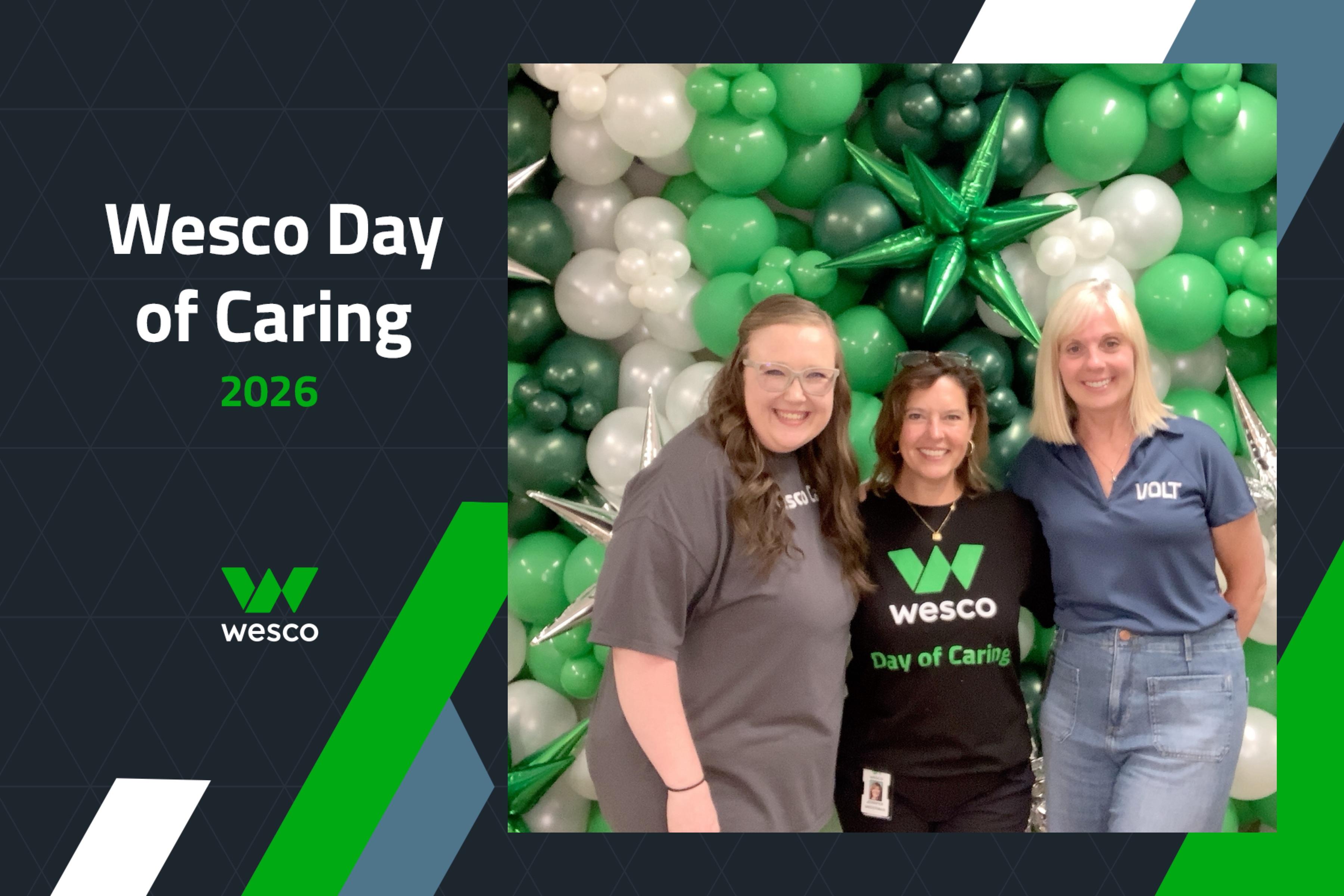
Update your team’s digital presence from the comfort of your headquarters, offices, and branches



Headshot Lounge
Upgrade your corporate kickoff, user conference, or annual fundraiser with sponsorship opportunity

Career Fairs
Make job readiness an accessible part of your next fair, large or small

Passport Photos
Provide a valuable digital asset to your community

Parties and Socials
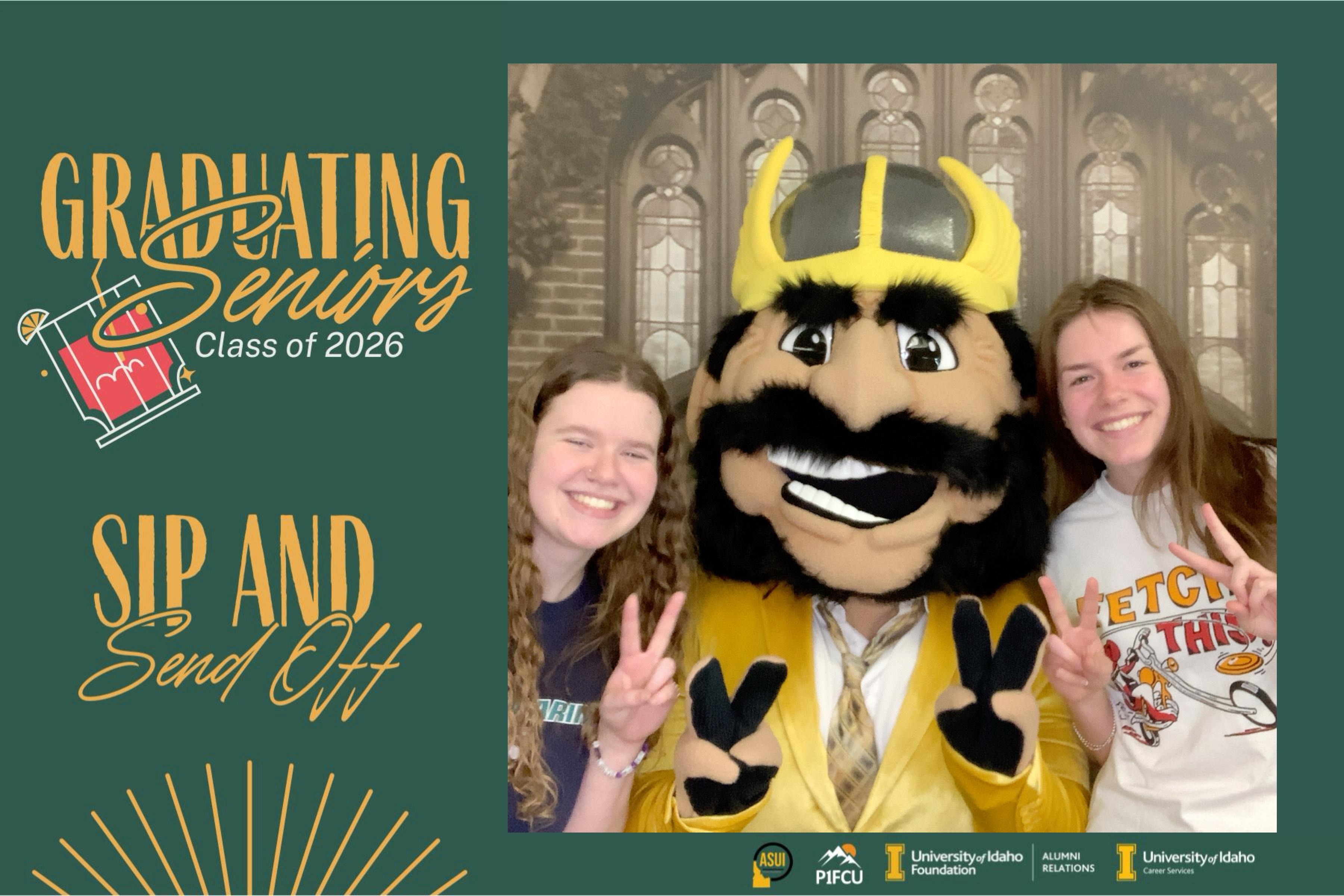
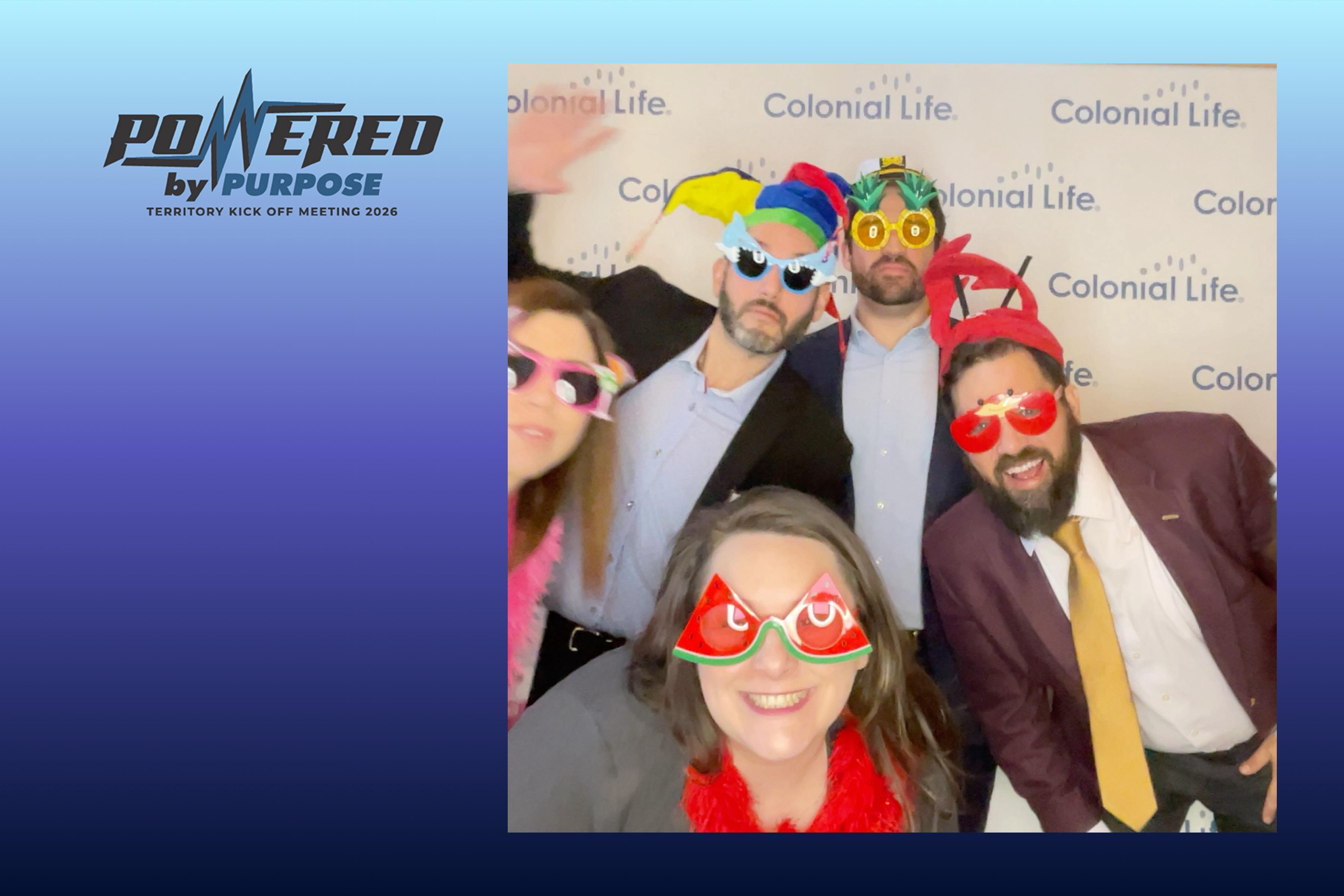
Create a fun, hassle-free group activity sure to put smiles on faces

Greek Chapters
Get a branded and organize photo experience for your community.

Other
Have a different type of event? Click here and tell us about it!
Trusted nationwide by groups of all shapes and sizes!